Explore modules
Same modules you enable in Explore
In the web app, Explore is the catalog: add Connector, Ad, Post, Automate, Collaborate, Analytics, Templates, History, and Lab tools so your sidebar matches your workflow.
Use this page to understand how Athenous is organized before you choose a plan. Start with the most-used modules, then move into AI, analytics, and reusable workflows.
Browse modules by the same groups as in-product: Campaigns & ads, Content & social, Growth & marketing, AI & insights, Analytics & reporting, and Integrations & automation. The cards below are grouped to match the Explore mental model, so users can scan faster and understand where each module fits.
Most used first
Popular modules
Start with the modules most teams activate first: connect channels, create campaigns, publish content, and collaborate across workspaces.
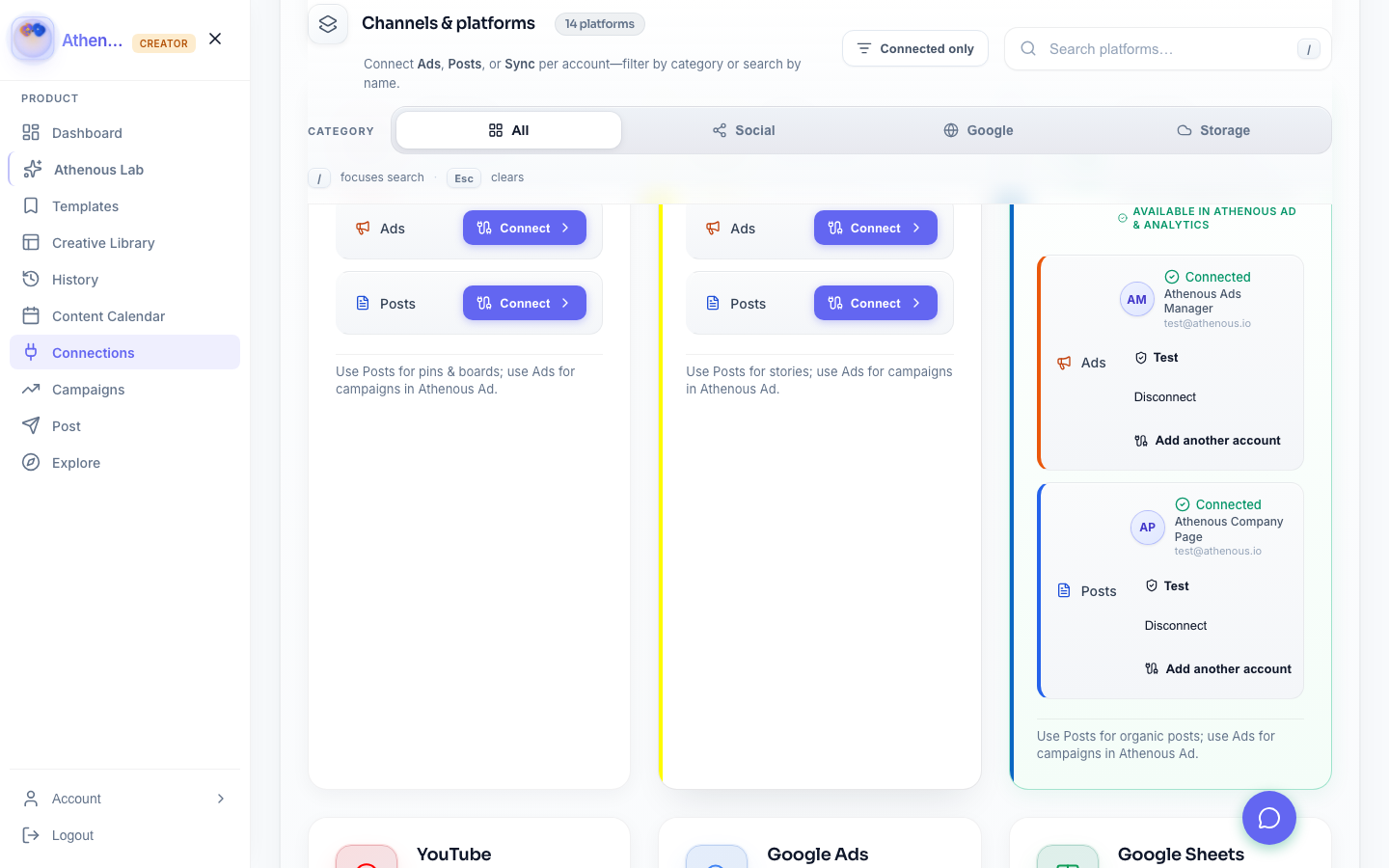
Athenous Connector
One hub to OAuth Meta, TikTok, LinkedIn, and Google—keeps Ads, Post, and Drive in sync.
CampaignsAthenous Ad & campaign ideas
Manage campaigns across channels and let AI generate concepts, hooks, and cross-channel angles.
Athenous Post
Draft in Lab, then schedule and publish to LinkedIn, Twitter, and more from one calendar.
Athenous Automate
Trigger rules on a schedule, on events, or on demand—each rule keeps its own run history.
Athenous Collaborate
Workspaces, invites, and roles so teams can share briefs, campaigns, and approvals across brands or clients.
AI & optimization
AI and insight modules
These modules help teams generate ideas, improve targeting, evaluate tone, and optimize spend before content or campaigns go live.
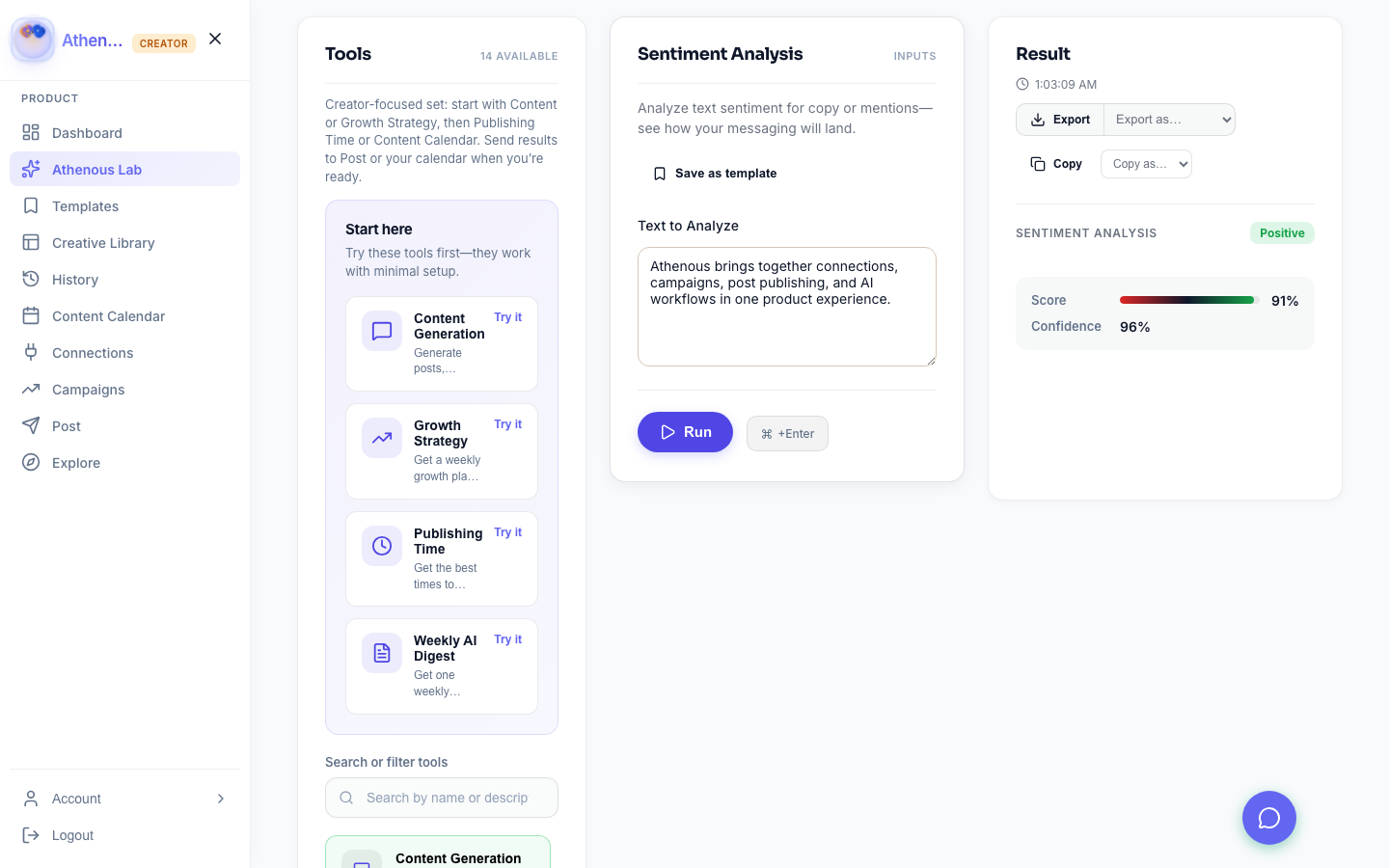
Athenous Lab
Copy, SEO, sentiment, forecasting, and attribution tools—all in one AI workspace inside Explore.
BudgetBudget optimization
Allocation recommendations and scenario planning across channels, also available as a Lab tool in Explore.
AudienceAudience segmentation
Targeting and persona-style insights that mirror the audience and targeting tools listed in Explore.
TestingA/B testing
Define variants, track significance, and scale winners using experiment-style workflows across Ads and Lab.
HistoryAthenous History
Re-run past AI sessions, copy outputs, and compare versions—all without leaving Explore.
SentimentSentiment analysis
Review tone before you publish with sentiment tooling listed under Content & social / AI in Explore.
Lead scoringLead scoring
AI-scored priorities that match the Lead Scoring module in Explore under Growth & marketing.
Reporting & reuse
Analytics and reusable workflows
Finish the stack with dashboards, reusable templates, and reporting surfaces that help teams scale repeatable execution.
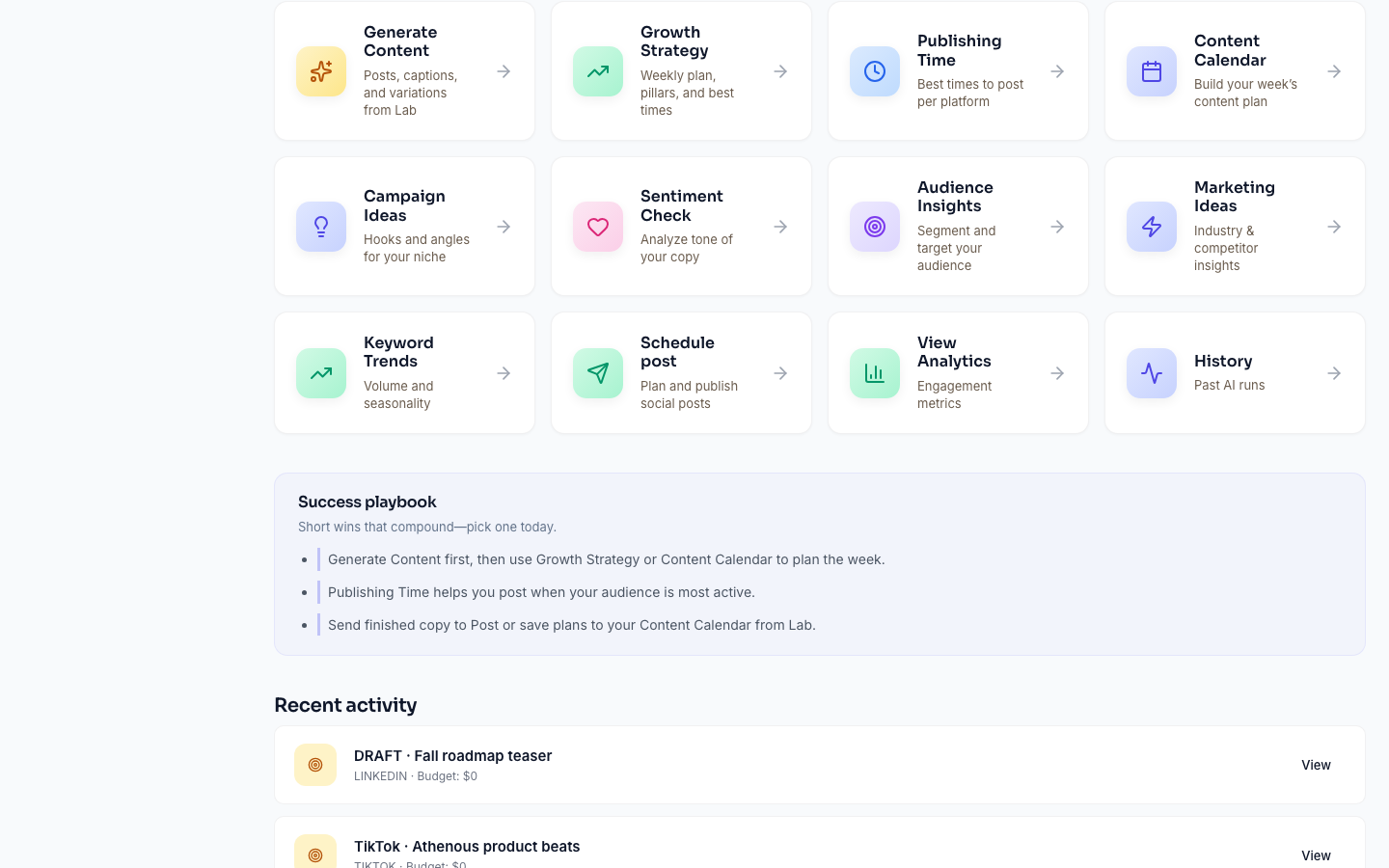
How it comes together
From Explore to launch
Turn on the modules you need in Explore, then run this loop—availability varies by plan.
Add & connect
Open Explore in the app, add Connector (and Ad/Post as needed), complete OAuth, and optionally wire Drive/Sheets Sync.
Help → ExploreCreate & schedule
Use Athenous Lab for copy and ideas, Templates for presets, then Post for the calendar and Campaigns for paid flights.
Lab & contentMeasure & automate
Add Analytics for dashboards, Automate for event or schedule rules, and Collaborate when you need shared workspaces.
AnalyticsDocs & guides
AI tools & platform guides
Long-form guides for content generation, scheduling, automation, and channel-specific workflows.
Core
By platform
Features FAQ
How Lab, Post, Connections, and guides fit together.
What is Explore and how does it relate to this page?
Explore in the web app is the module catalog: you add Connector, Ad, Post, Automate, Collaborate, Analytics, and other tiles so your sidebar reflects your workflow. This marketing page mirrors those names and groups (Campaigns & ads, Content & social, etc.) and links to guides. See Help → Explore & workspace.
How do Athenous Lab and Post work together?
Use Athenous Lab to generate copy and campaign ideas, then move approved content into Post for scheduling. Connections powers publishing to the channels you’ve linked. See Help → Lab and Help → Post for step-by-step detail.
Which channels can I connect?
You can connect major social and ad accounts through Connections—the exact options appear in the app when you add a connection and may vary by plan. Platform-specific guides above explain how to tailor content for each network.
Are scheduling and automation included?
Yes. Scheduling and workflow automation are part of the core product. Usage limits (AI generations, seats, etc.) depend on your plan.
What are the SEO guides on this page?
They’re long-form articles on the marketing site to help you pick workflows and keywords. The web app contains the full product; start with Help for in-product behavior.
Compare plans, AI usage limits, and feature access on the pricing page.
View pricing✦ Start today — it’s free
Ship better marketing,
faster.
Replace disconnected tools with one AI platform that plans, creates, schedules, and measures.
- No credit card required
- Free plan, forever
- Set up in minutes
Agency and enterprise onboarding available.