
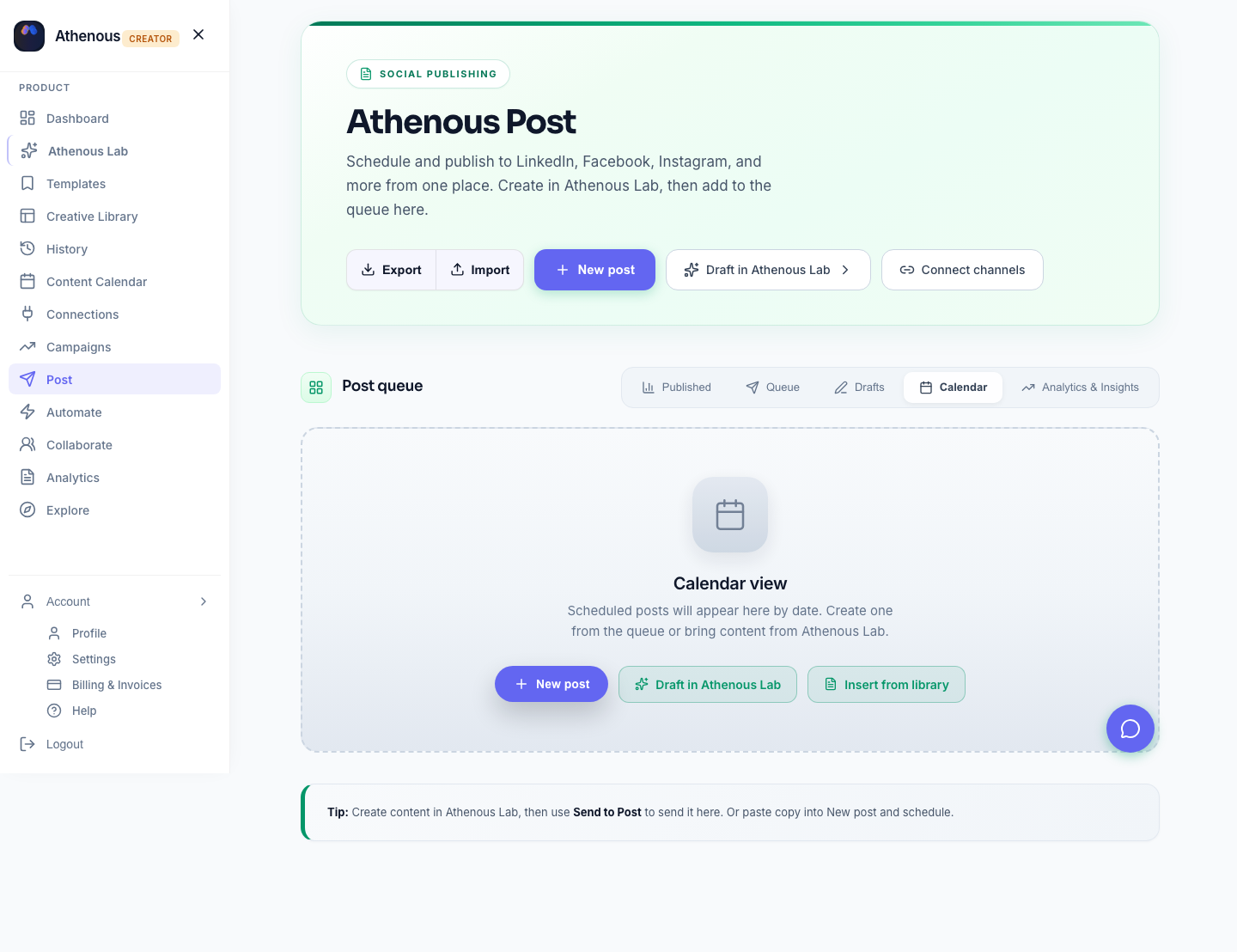
Posting when your audience is already scrolling helps Reels and feed posts get reach. Below: a baseline you can sanity-check, then a 3-step flow—Insights → Lab suggestion → schedule—so you’re not guessing from generic “best times” alone.
Baseline: common windows in 2026 (not your final answer)
Many accounts see traction on weekdays around 10 a.m.–2 p.m. and 6–9 p.m. (in the audience’s local time). Reels often do well in the evening; weekends depend on niche. Treat this as a starting point, then replace it with your Insights and tests. If you use a cross-channel planner (e.g. Athenous Post), you can align Instagram with LinkedIn or Facebook without maintaining three separate mental calendars. For LinkedIn timing, see best time to post on LinkedIn in 2026.
Find your best times in 3 steps
Step 1: Read Instagram Insights
Open Instagram Insights and note when followers are most active and which posts earned the best reach. Write down 2–3 recurring windows per weekday (e.g. late morning + early evening)—those are the slots to mirror in your scheduler first.
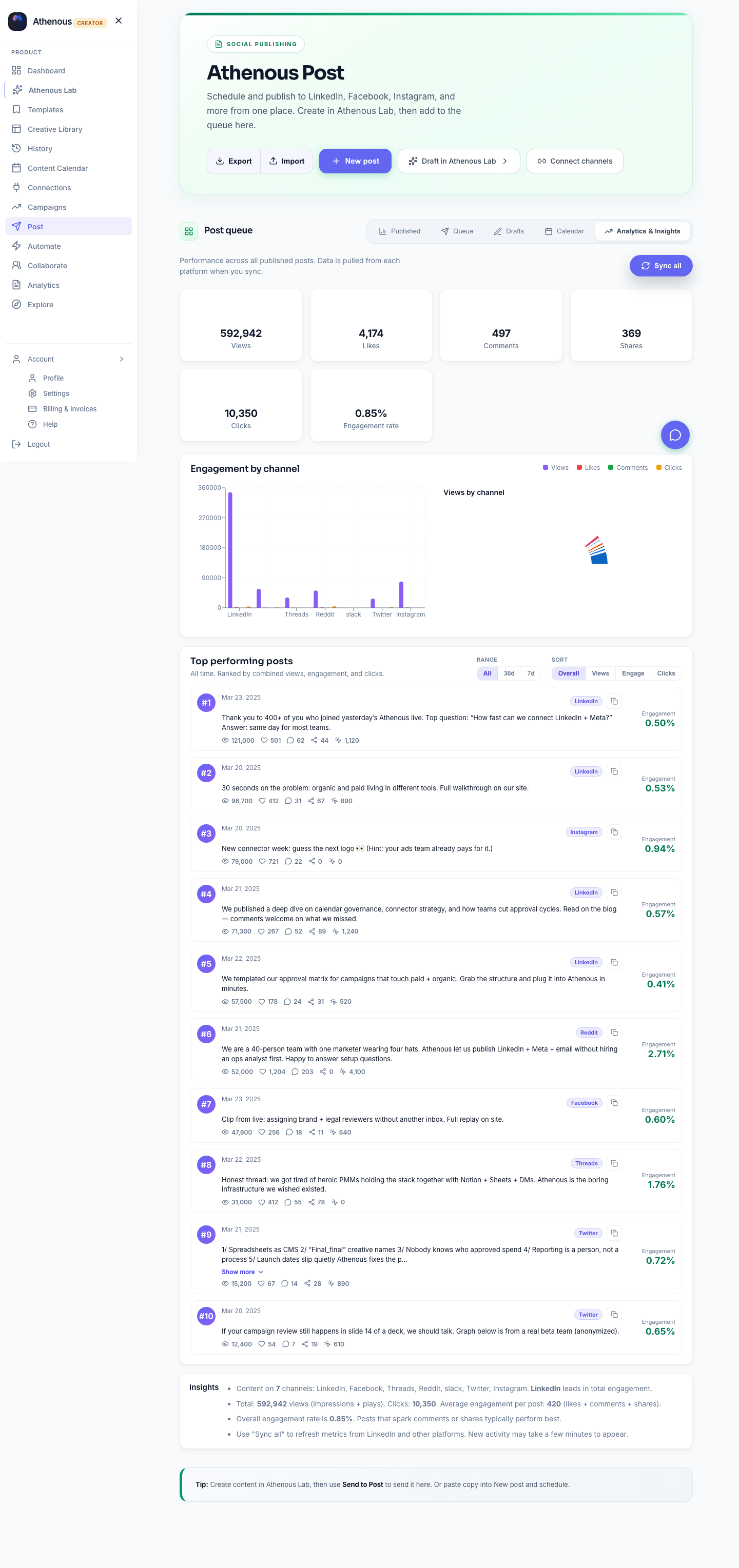
Step 2: Use “Suggest best time (Lab)” in Post
With Instagram connected to Athenous, Lab can rank day + time options inside Post so you’re not only copying generic benchmarks.
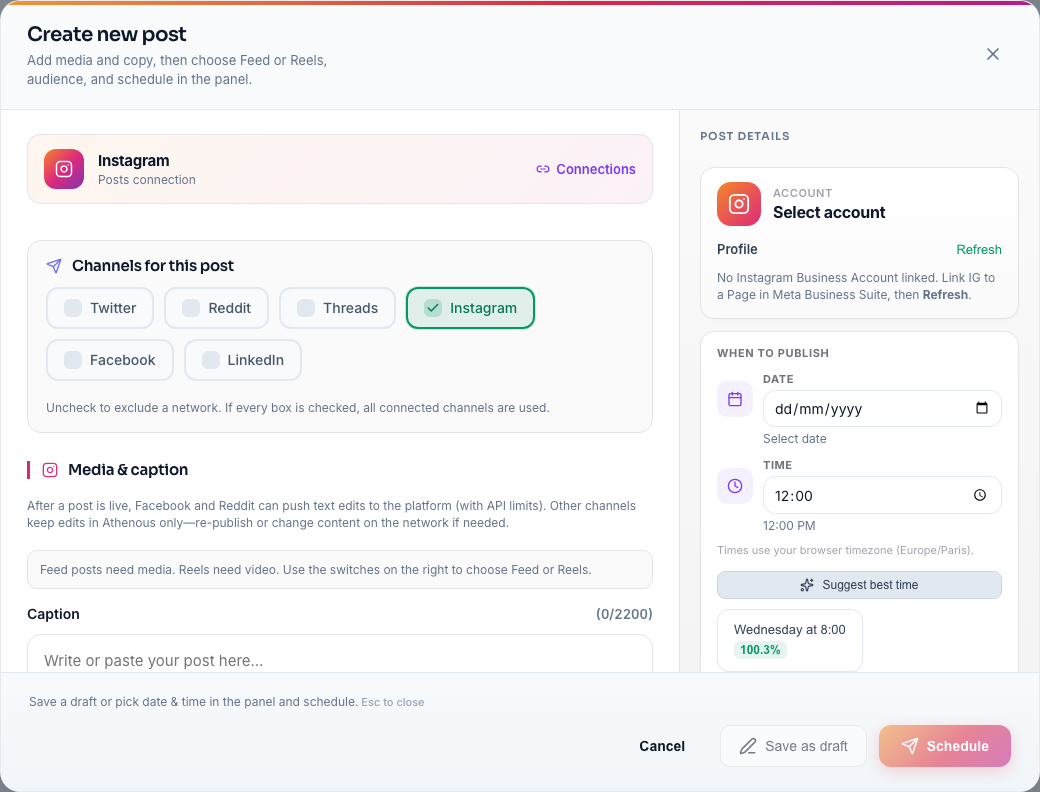
- New post → Instagram. For one channel, the suggest-time flow applies to that account.
- Open the schedule step. Find When to publish / date and time (often under Post details).
- Click “Suggest best time (Lab)” (or “Suggest best time”). You get a short ranked list; some builds show a predicted engagement hint per slot.
- Pick a slot to fill date and time. Multi-channel post? Use Suggest best time for [channel] so Instagram keeps its own time.
Combine, don’t choose one: Lab suggests windows from your workspace; Insights shows audience activity. Use both, then refine with a few weeks of posting.
Step 3: Connect, compose, and lock the calendar
Put your target windows on the calendar so they’re not only in your head. Screens below are representative—labels may vary by release.
Connect Instagram once
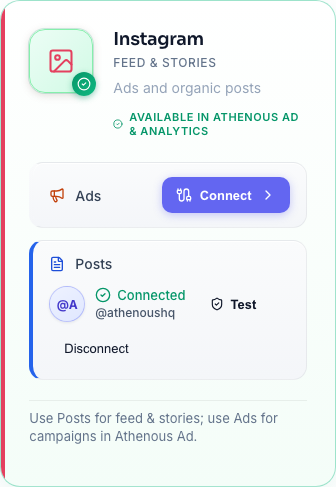
In Connections, add Instagram and finish OAuth. One setup per workspace; then Post can publish on schedule.
Draft captions in Lab (optional)
Write hooks and caption variants in Lab, then paste the winner into Post—so scheduling isn’t where you’re still rewriting.
Set date and time in Post
Choose Instagram, pick feed or Reel, add media and caption, then set date and time via Suggest best time (Lab) or a manual time that matches Insights.
Review the week view
Zoom out: avoid clustering everything on one day and check conflicts with other channels.
Stay consistent after you pick your windows
Connect Instagram in Connections once, then queue feed and Reels from one dashboard using an AI social media scheduler workflow (content in Lab, publish windows in Post). For deeper setup, see how to schedule Instagram posts in 2026 and LinkedIn and Instagram workflow in Athenous.
Sharing this on Instagram? Save it for your next content calendar refresh—your Insights beat any one-size-fits-all chart.
Frequently asked questions
What is the best time to post on Instagram in 2026?
There is no single best time for every account. Many brands see strong windows on weekdays around 10 a.m. to 2 p.m. and 6 to 9 p.m. in the audience’s local time zone, with Reels often doing well in the evening—but confirm your own peak hours with Instagram Insights and testing, not averages alone.
How do I find my best time to post on Instagram?
Use Instagram Insights to see when your followers are most active and which posts get the best reach. Note 2 to 3 recurring time windows, mirror them in your scheduler, and optionally use AI-ranked suggestions in Athenous Post (Suggest best time from Lab) together with those Insights.
Does Instagram Insights show the best time to post?
Insights shows when your followers are online and how past posts performed. That is the best built-in signal for timing; combine it with your own experiments and any tool suggestions to refine—not replace—what Insights shows.
Is the best time the same for Instagram Reels and feed posts?
Not always. Reels often perform well in evening slots while feed posts may align with different windows for your audience. Check Insights and per-format performance, then schedule each type in the same calendar so you avoid stacking everything at once.
How do I schedule Instagram posts at my best times?
Connect Instagram in your tool’s Connections, compose in Post (or draft captions in Lab first), set date and time to match your Insights windows or use Suggest best time (Lab), then review the week view. A dedicated AI social media tool keeps planning and publishing in one place.
Try Athenous for free
Connect Instagram, generate captions in Lab, and schedule in Post. Start with a free trial—no credit card required.
Start free trial