
Scheduling Instagram posts in advance keeps your feed consistent and frees you from last-minute posting. In 2026, the smoothest approach is to use one tool where you connect Instagram once, write or generate copy, and set dates and times from a single calendar. Here’s how to do it with Athenous. Screenshots are representative—labels and layout may vary slightly by release.
Step 1: Connect your Instagram account
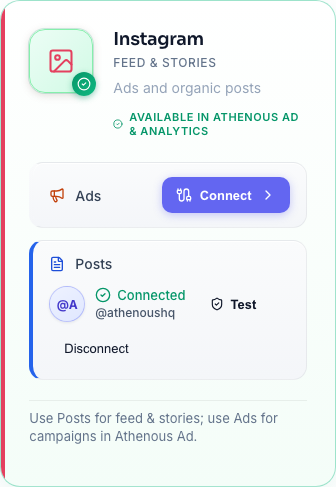
In Athenous, open Connections (or the Connector module) and add your Instagram account. Authorize the connection so the app can publish on your behalf. Once connected, Instagram appears in Post when you create or schedule content.
Step 2: Create your post
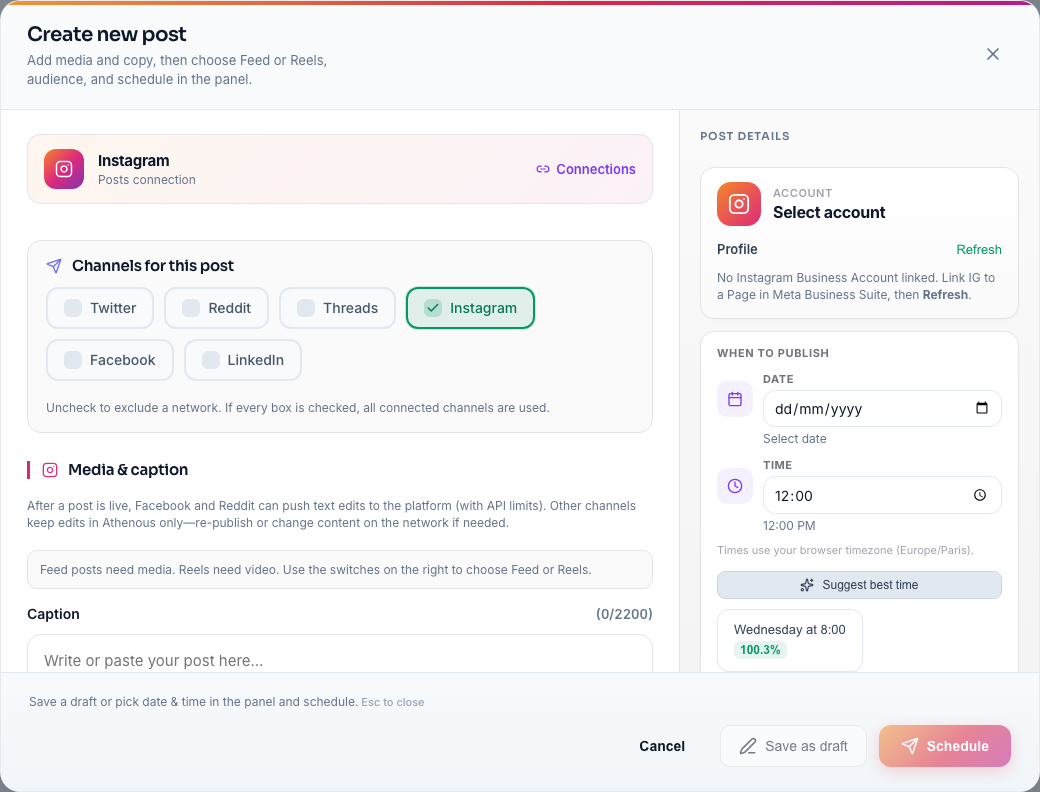
In Post, create a new post. Add your image or video, then paste your caption. You can draft captions in Athenous Lab using Content Generation with “Instagram” as the platform so tone and length fit the channel—then copy the result into Post.
Step 3: Choose date and time
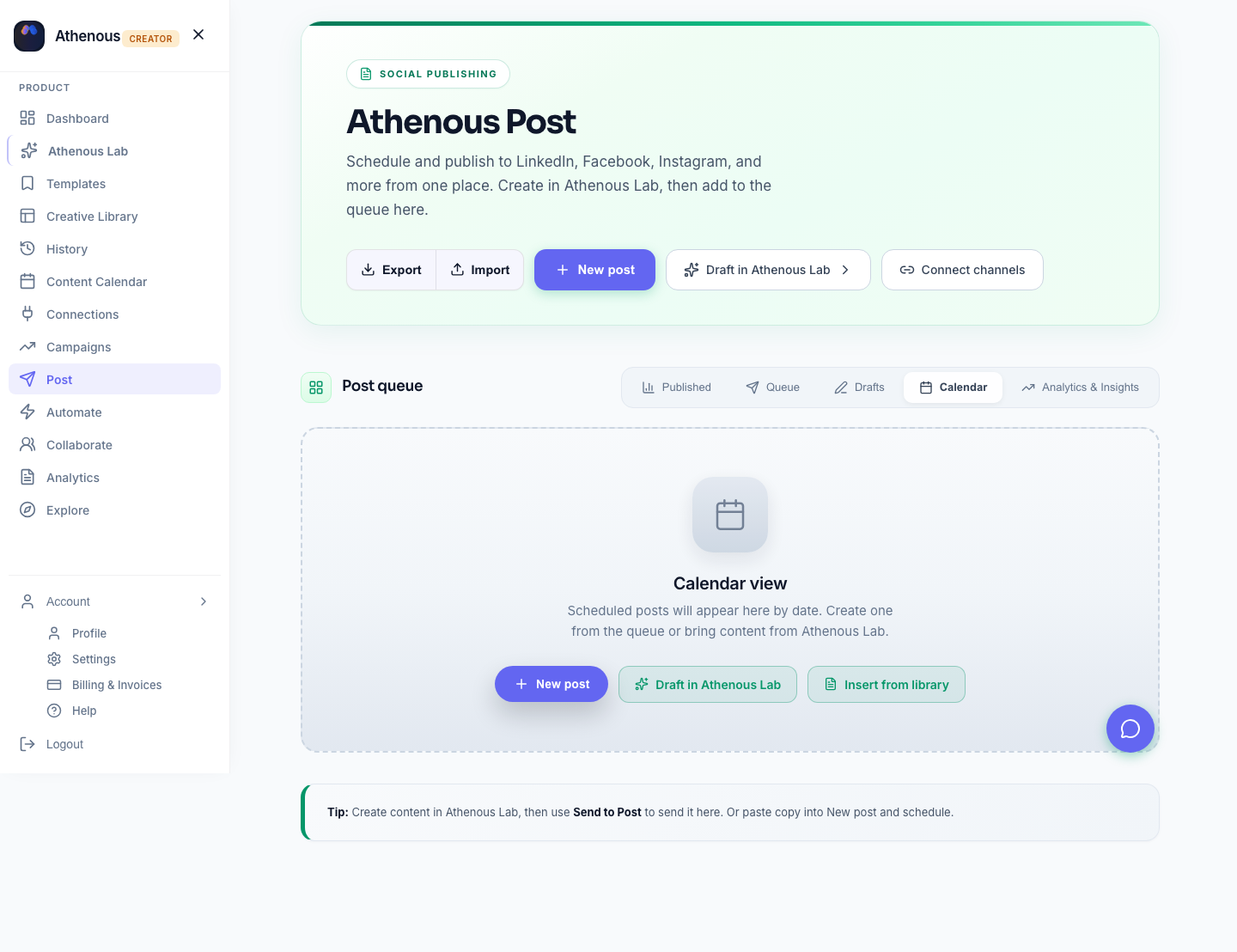
Select the date and time you want the post to go live. Your calendar in Post shows all scheduled items for Instagram (and LinkedIn, Facebook if connected), so you can avoid crowding and keep a steady rhythm. You can also use Suggest best time (Lab) for ranked slots when that option appears. Hit schedule and you’re done.
Why schedule from one place
When Instagram lives next to LinkedIn and Facebook in the same calendar, you can plan a full week of cross-platform content without opening multiple tabs. For best times, see best time to post on Instagram in 2026; for sizes, Instagram image sizes 2026.
Try Athenous for free
Connect Instagram, generate captions in Lab, and schedule in Post. Start with a free trial—no credit card required.
Start free trial